> For the complete documentation index, see [llms.txt](https://docs.jcore.io/clarity-gateway/llms.txt). Markdown versions of documentation pages are available by appending `.md` to page URLs; this page is available as [Markdown](https://docs.jcore.io/clarity-gateway/installation/installing-on-3rd-party-devices/entering-license-key.md).
# Entering License Key
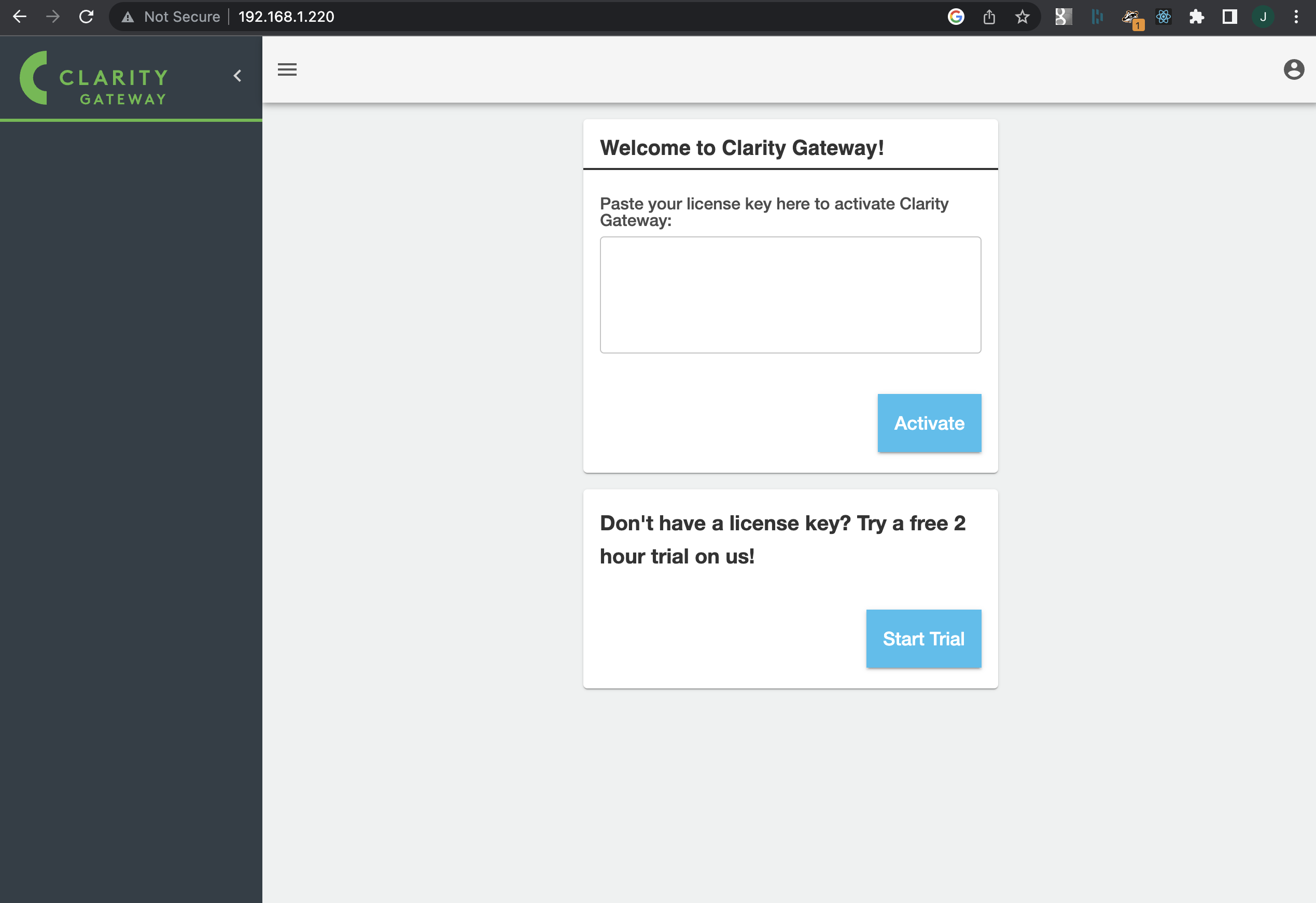
Once you've set your Clarity Gateway password and logged in, you'll be prompted to enter a license key, if a license key has not already been installed. Paste your license key into the window and click "Activate".
Clarity Gateway can validate a license's authenticity without an Internet connection, so lack of Internet connectivity will not prevent you from activating a license. However, Clarity Gateway does notify JCore which licenses are being used, and JCore can blacklist licenses that have been hacked or are being widely shared.
If you purchased a Clarity Gateway license from a JCore distributor and have not received the key, contact your distributor. If you purchased your license directly from JCore, or need to purchase a new license, contact .
Clarity Gateway licenses are perpetual--the software does not stop working due to license expiration. Most Clarity Gateway licenses include 12 months of support and updates, to the [software update menu](/clarity-gateway/other/updating-software.md) will usually indicate which versions are available under the license you have.
### Changing a License Key
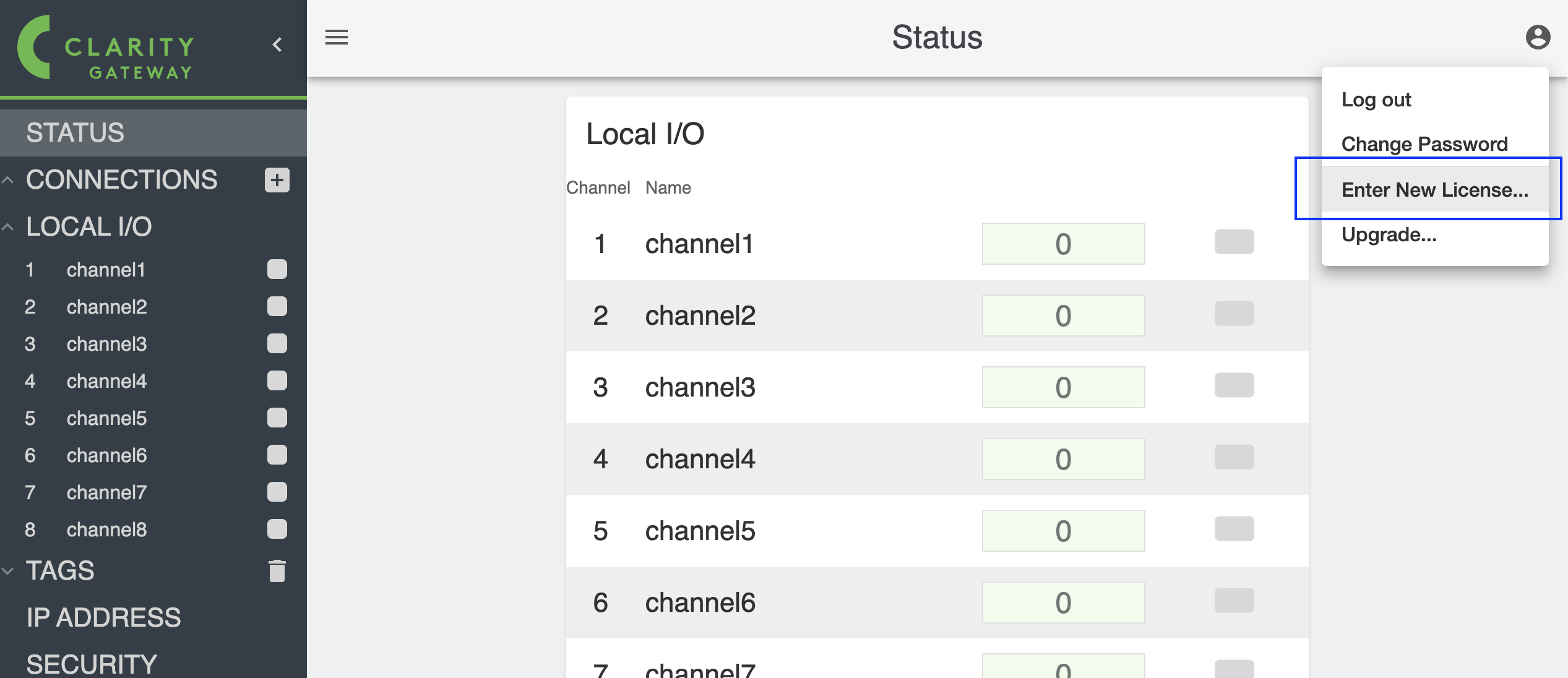
If you need to install an updated license key after a license has already been installed, click on the top right menu and select "Enter New License".
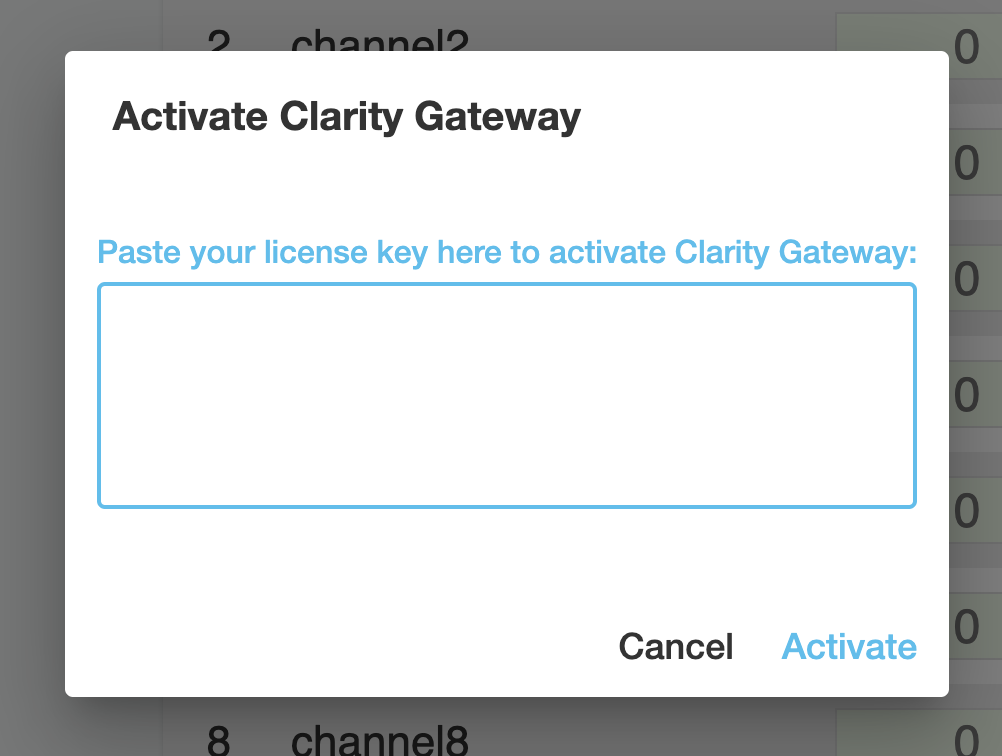
You can paste the updated license key and click "Activate":