> For the complete documentation index, see [llms.txt](https://docs.jcore.io/clarity-gateway/llms.txt). Markdown versions of documentation pages are available by appending `.md` to page URLs; this page is available as [Markdown](https://docs.jcore.io/clarity-gateway/other/updating-software.md).
# Updating Software
After installing Clarity Gateway, and periodically after it's installed, it's a good practice to upgrade to the latest software. Clarity Gateway allows you to see which versions are available with your license and upgrade to the latest available version.
Most Clarity Gateway licenses are sold with a year of support and upgrades included, so in most cases you can install any version released up to a year after your license was generated.
{% hint style="info" %}
Clarity Gateway needs a working Internet connection to update its software
{% endhint %}
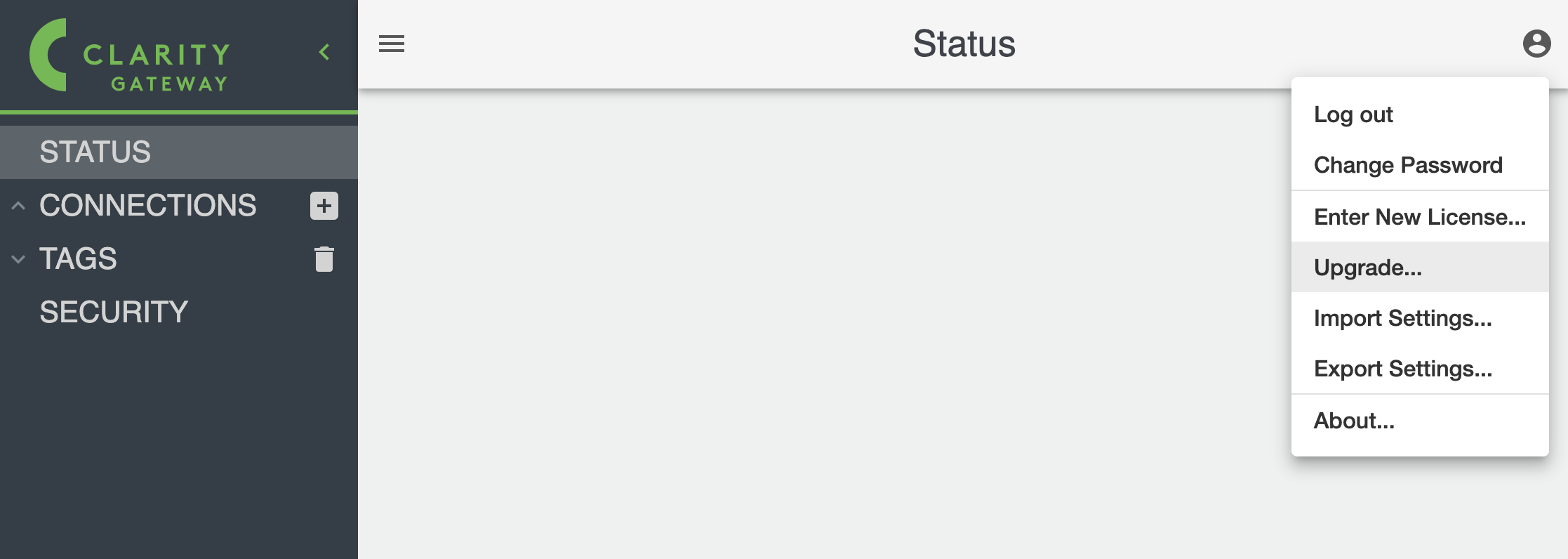
To access the software upgrade screen, click on the top right menu and select "Upgrade..."
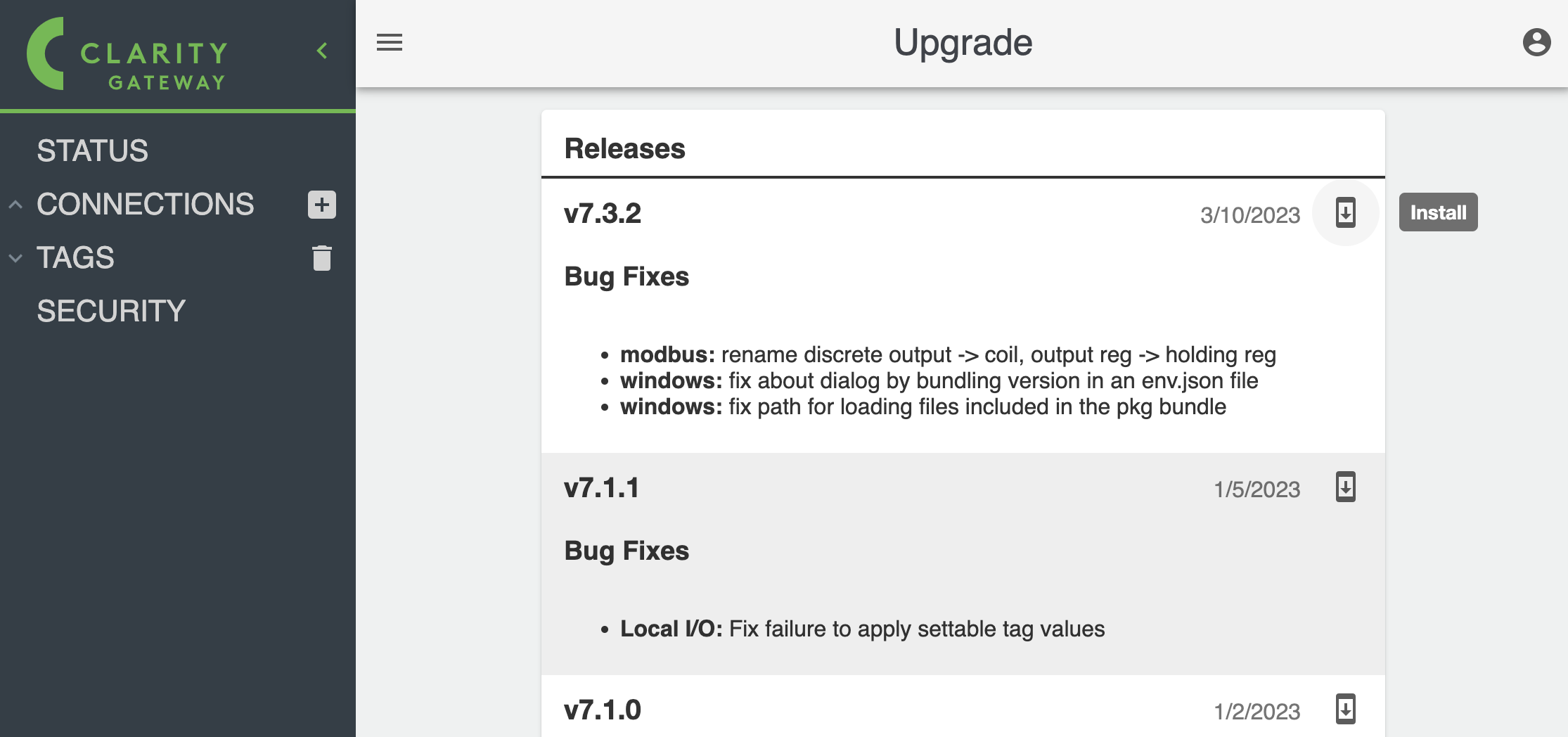
The upgrade screen will show you a list of available versions. Click on the latest available version that you can install with your license:
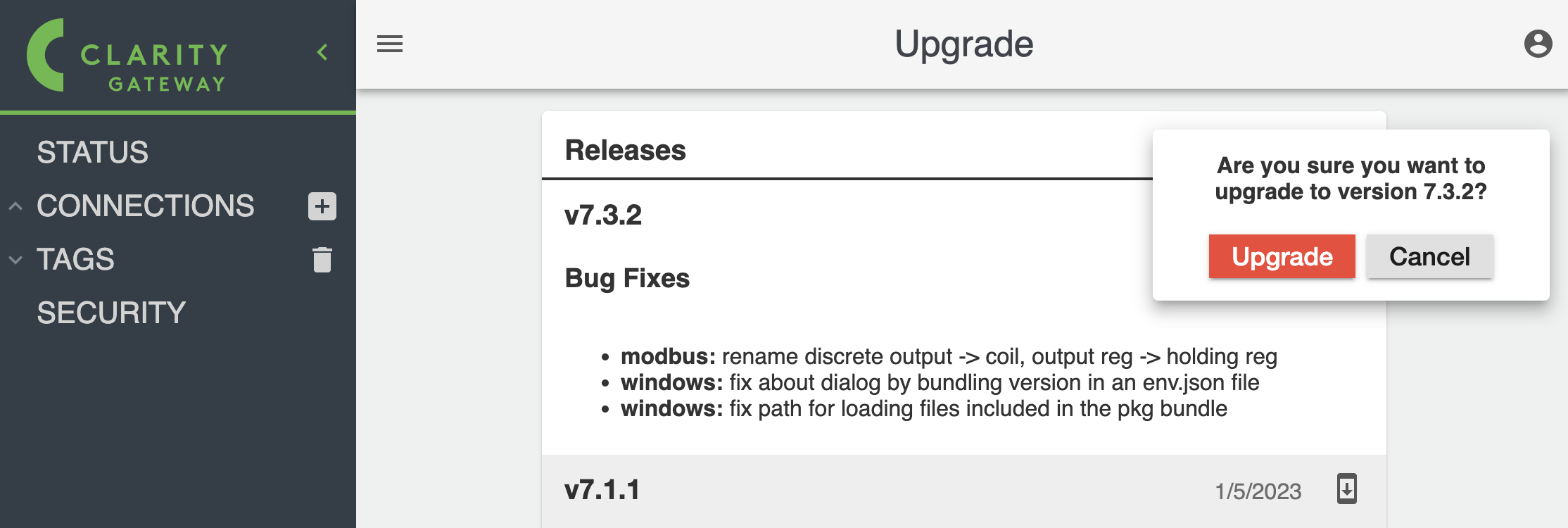
Confirm the version you want to upgrade, and the Clarity Gateway will download the new image and install it.