> For the complete documentation index, see [llms.txt](https://docs.jcore.io/clarity/llms.txt). Markdown versions of documentation pages are available by appending `.md` to page URLs; this page is available as [Markdown](https://docs.jcore.io/clarity/alarms/view-notifications/list.md).
# List
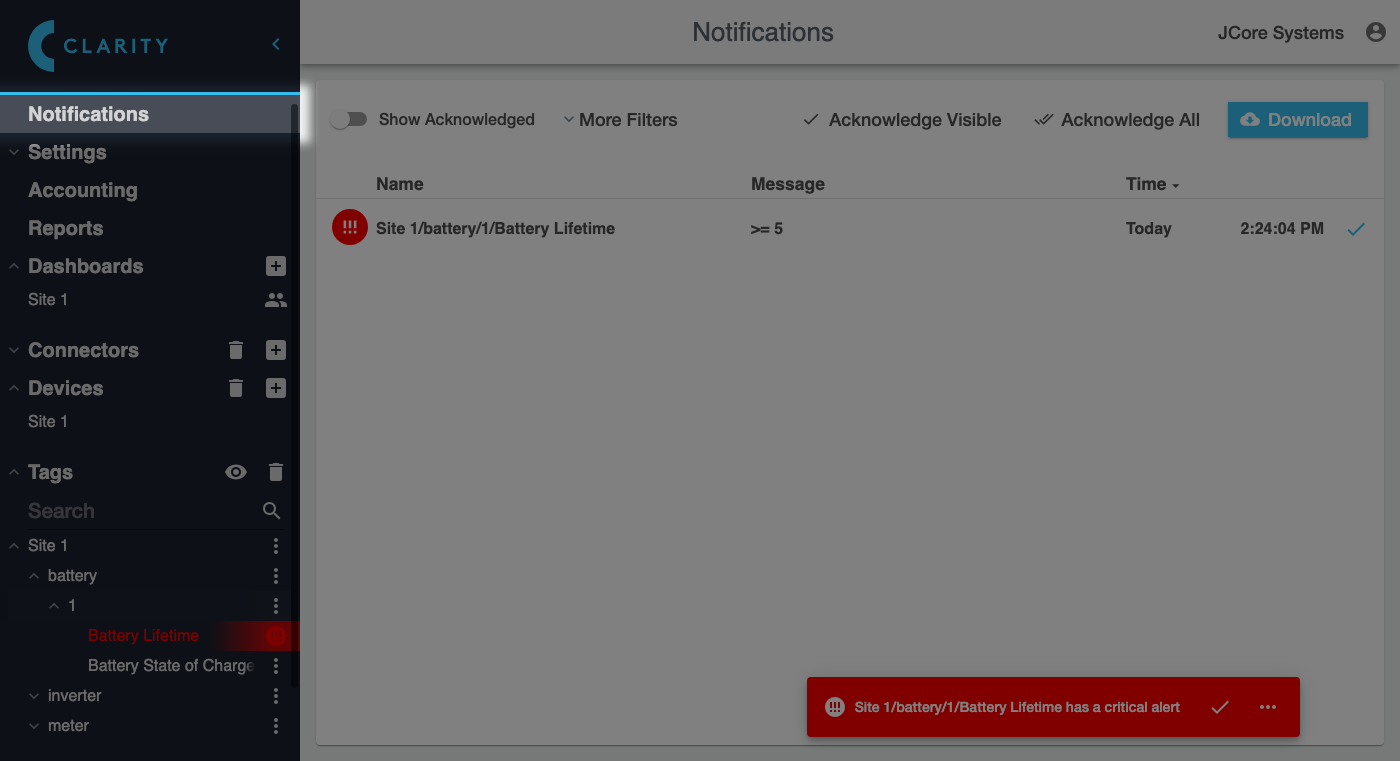
Clicking **Notifications** in the sidebar brings up a list of past and current notifications:
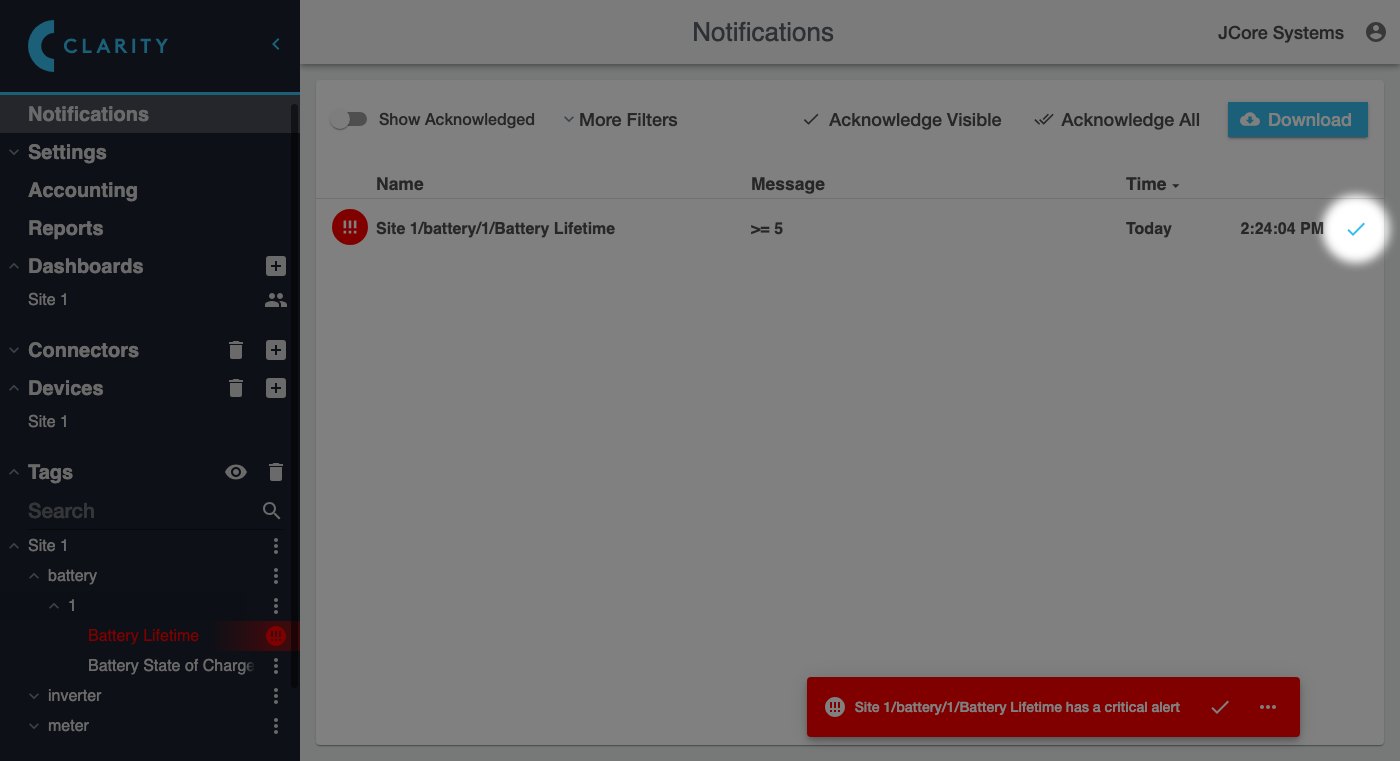
Notifications that haven't been acknowledged will be displayed in bold and have a check icon you can click to acknowledge them:
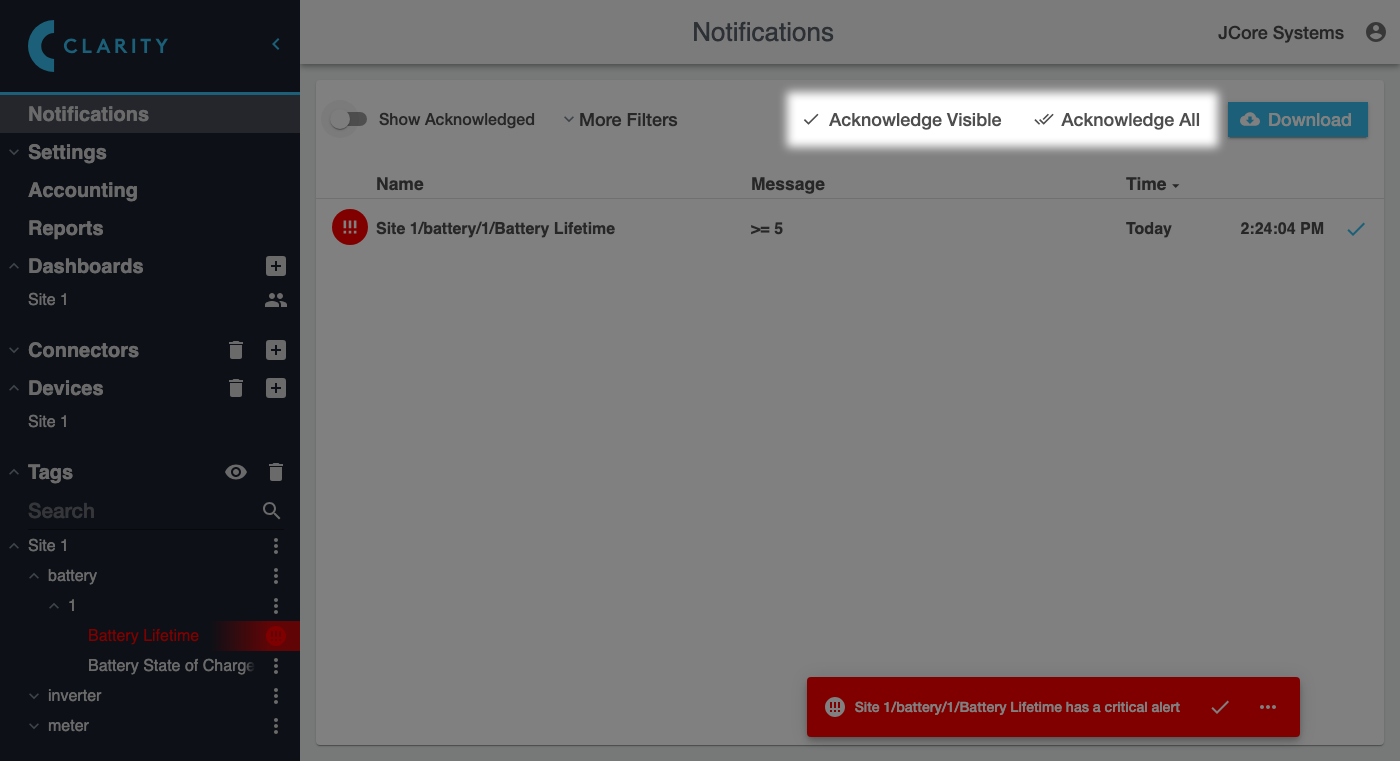
You can also **Acknowledge All** notifications, or **Acknowledge Visible** notifications (everything you can currently see on the screen) by clicking these buttons:
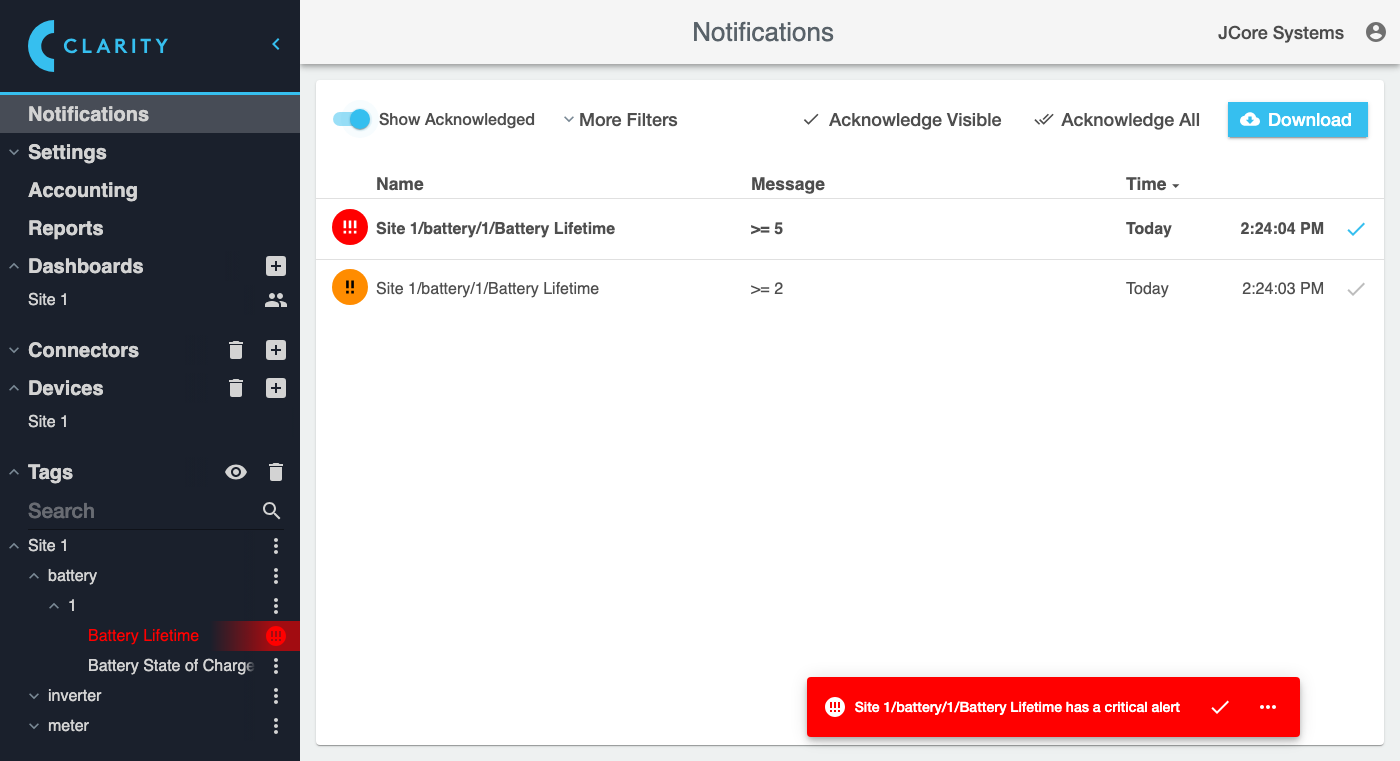
If you turn on the **Show Acknowledged** switch, it will also show past notifications that you have acknowledged:
You can access more options for filtering which notifications to view by expanding the **More Filters** section:
This section allows you to see **All Notifications** (those sent to other users) if you are an admin, and filter notifications by **Site or Group** and a time range: