> For the complete documentation index, see [llms.txt](https://docs.jcore.io/clarity/llms.txt). Markdown versions of documentation pages are available by appending `.md` to page URLs; this page is available as [Markdown](https://docs.jcore.io/clarity/bit-fields/edit.md).
# Edit Bit Field Types
{% hint style="info" %}
You may not have permission to edit bit field types in an organization you aren't an administrator of.
{% endhint %}
## Edit via Tag Settings
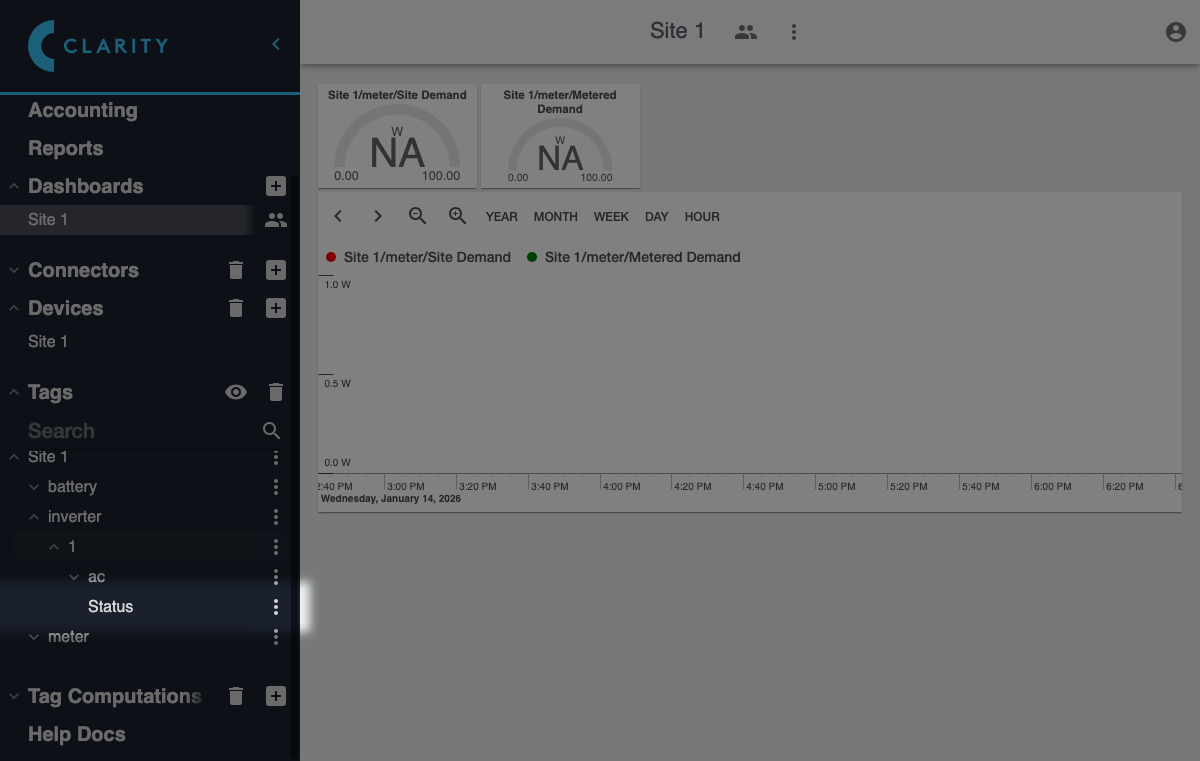
Click the bit field tag you want to customize in the **Tags** section of the sidebar:
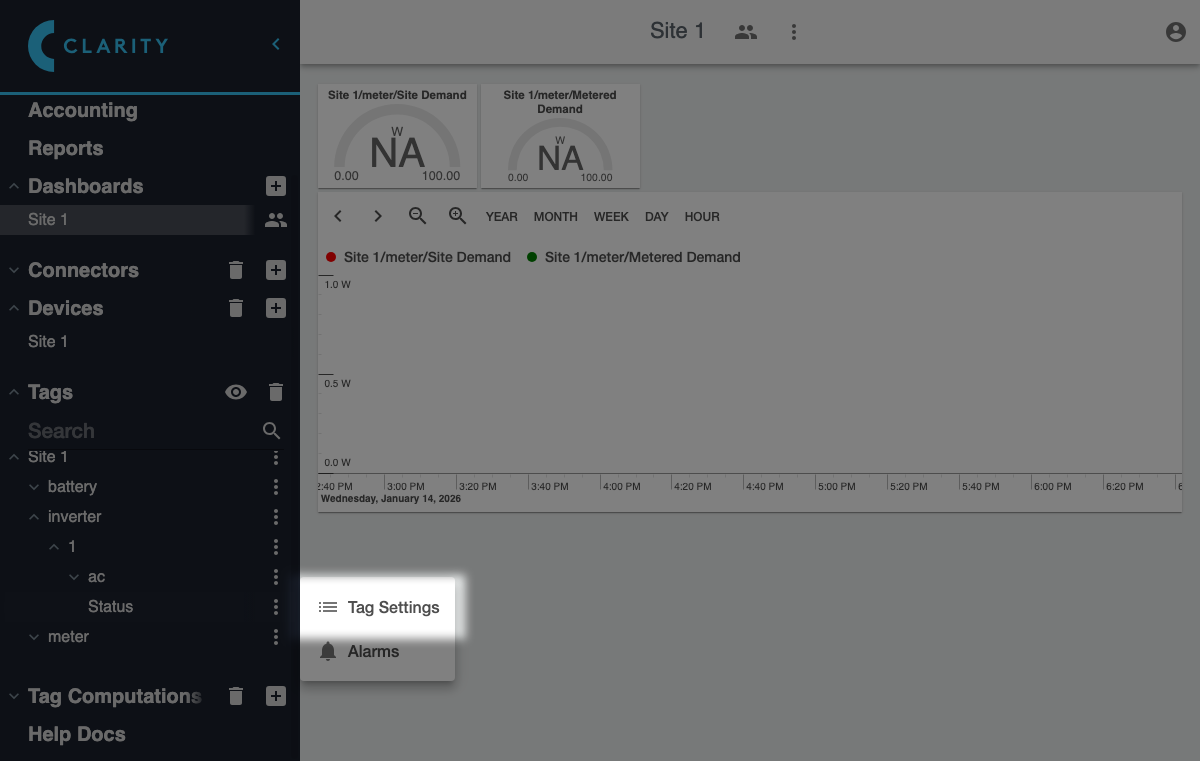
Then click on the **Tag Settings** item of the context menu that appears:
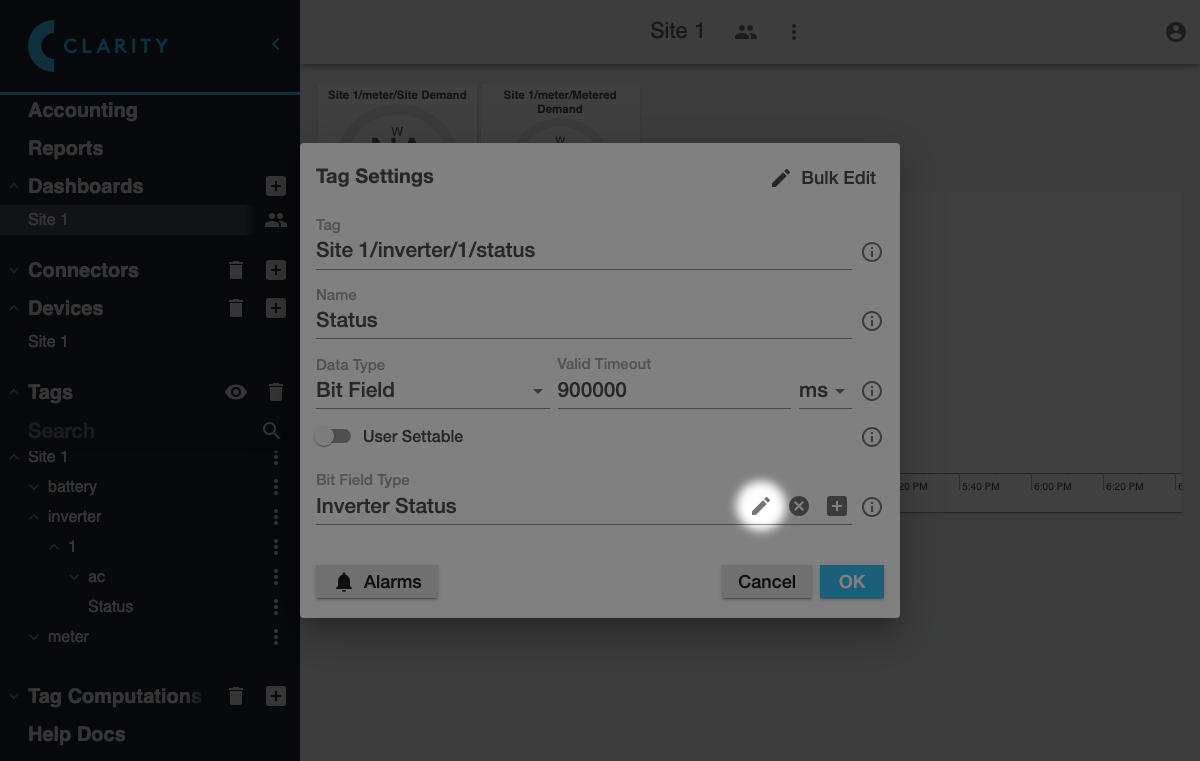
In the **Tag Settings Dialog** that appears, click the edit button in the **Bit Field Type** field:
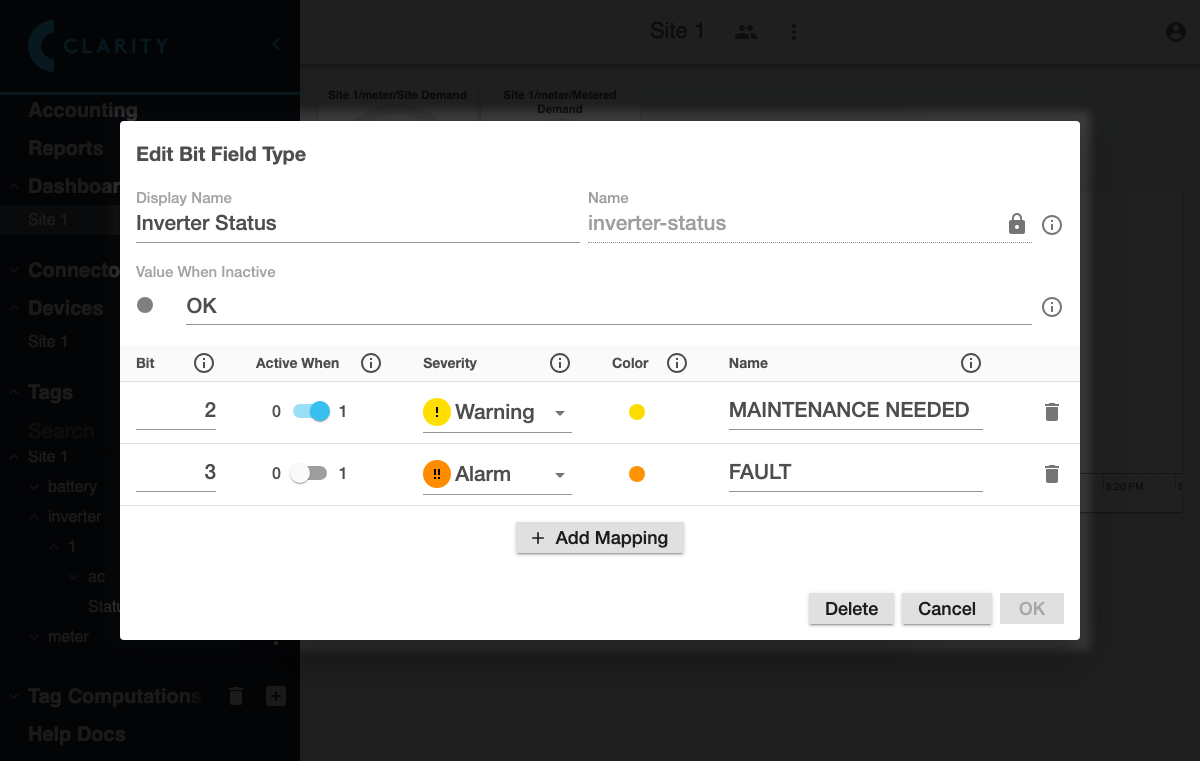
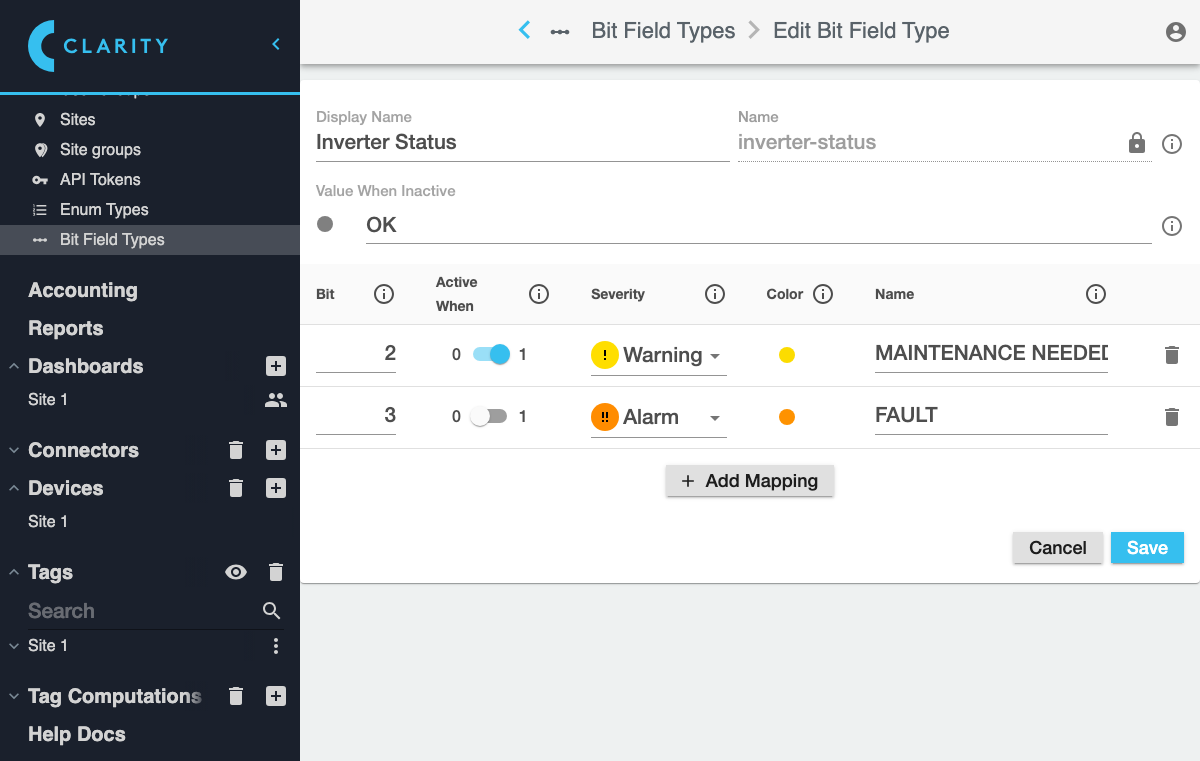
This will open the **Edit Bit Field Type** dialog:
## Edit via **Settings > Bit Field Types**
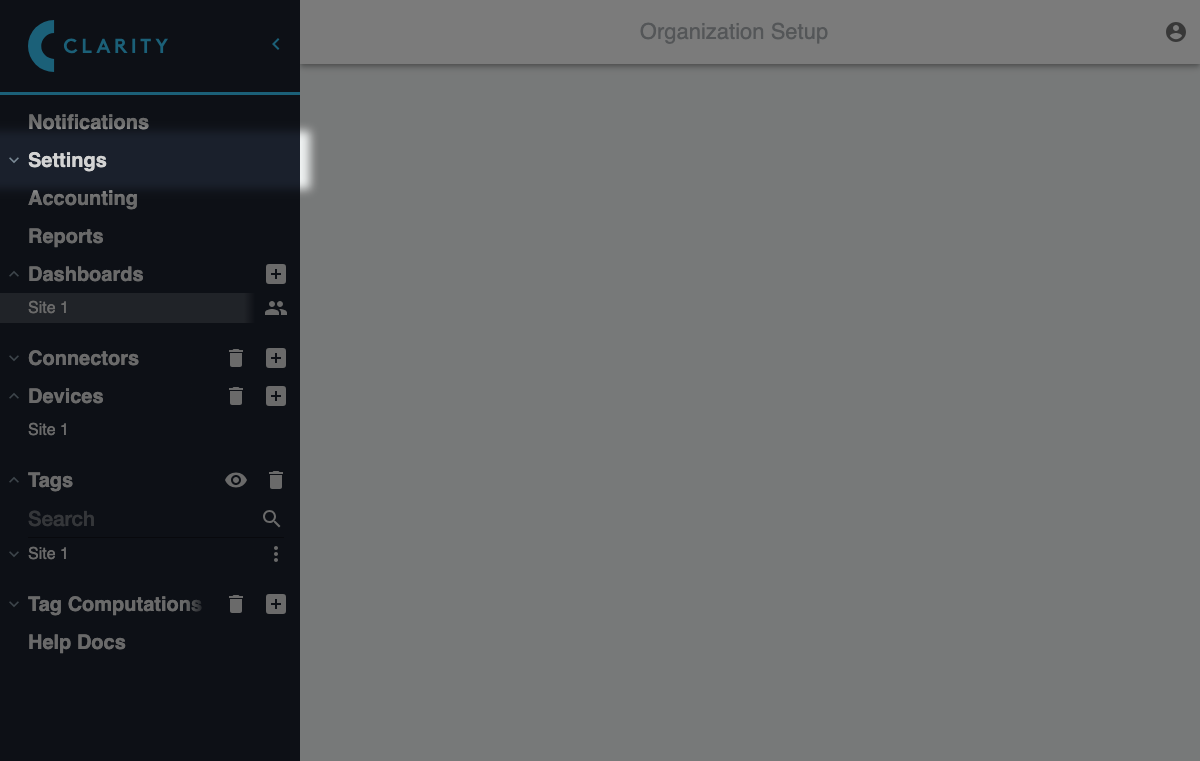
Expand the **Settings** section in the sidebar:
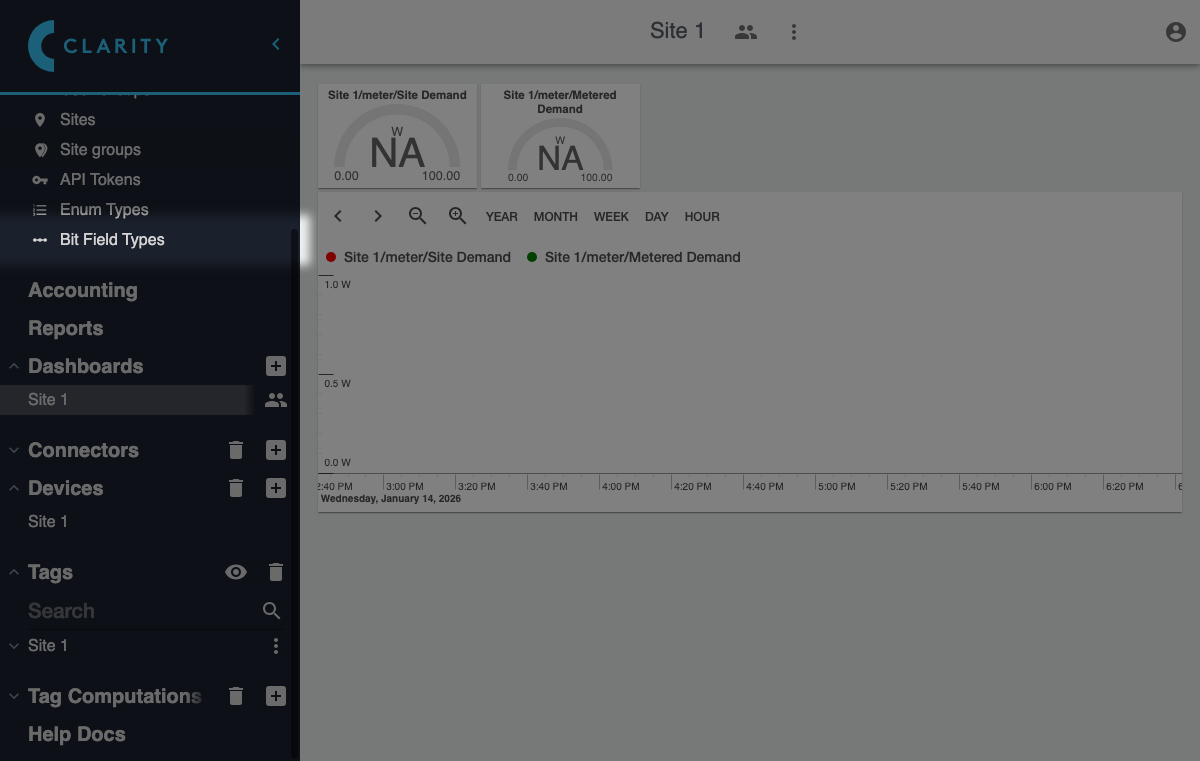
Click the **Bit Field Types** under **Settings**:
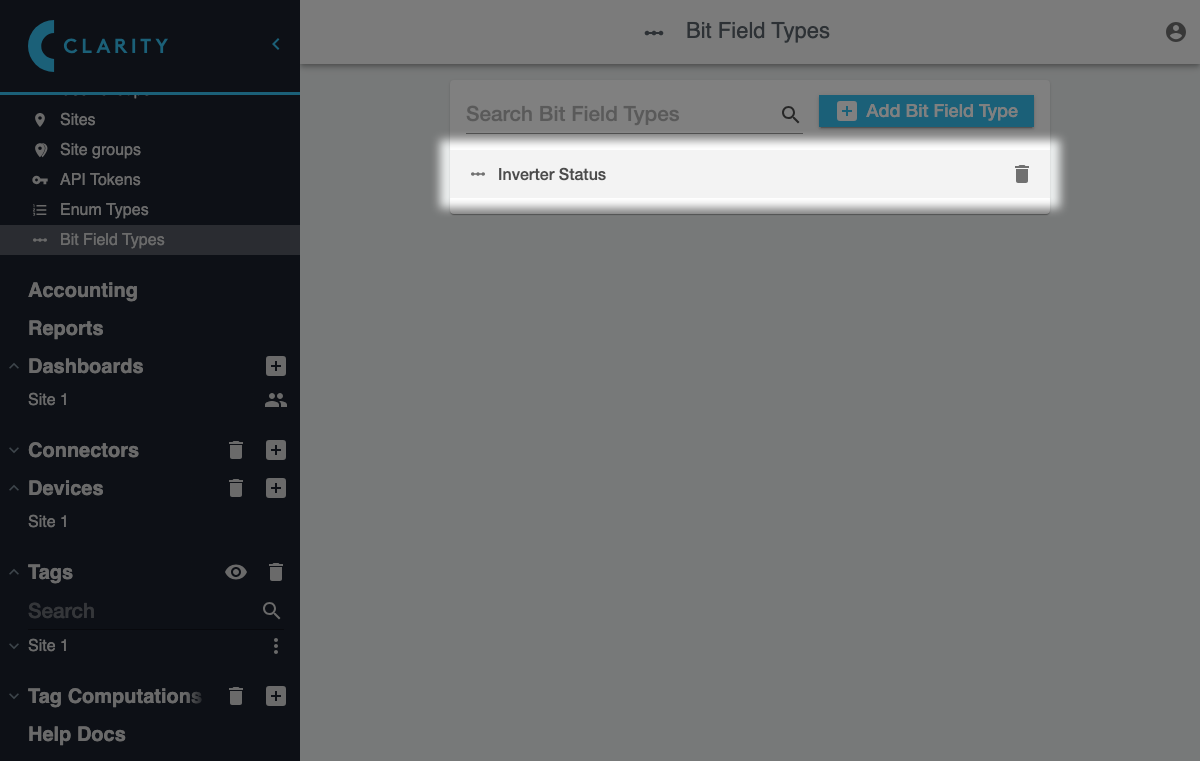
In the **Bit Field Types** view that appears, click the bit field type you want to edit:
This will take you to the **Edit Bit Field Type** view:
## Edit via Alarm Settings
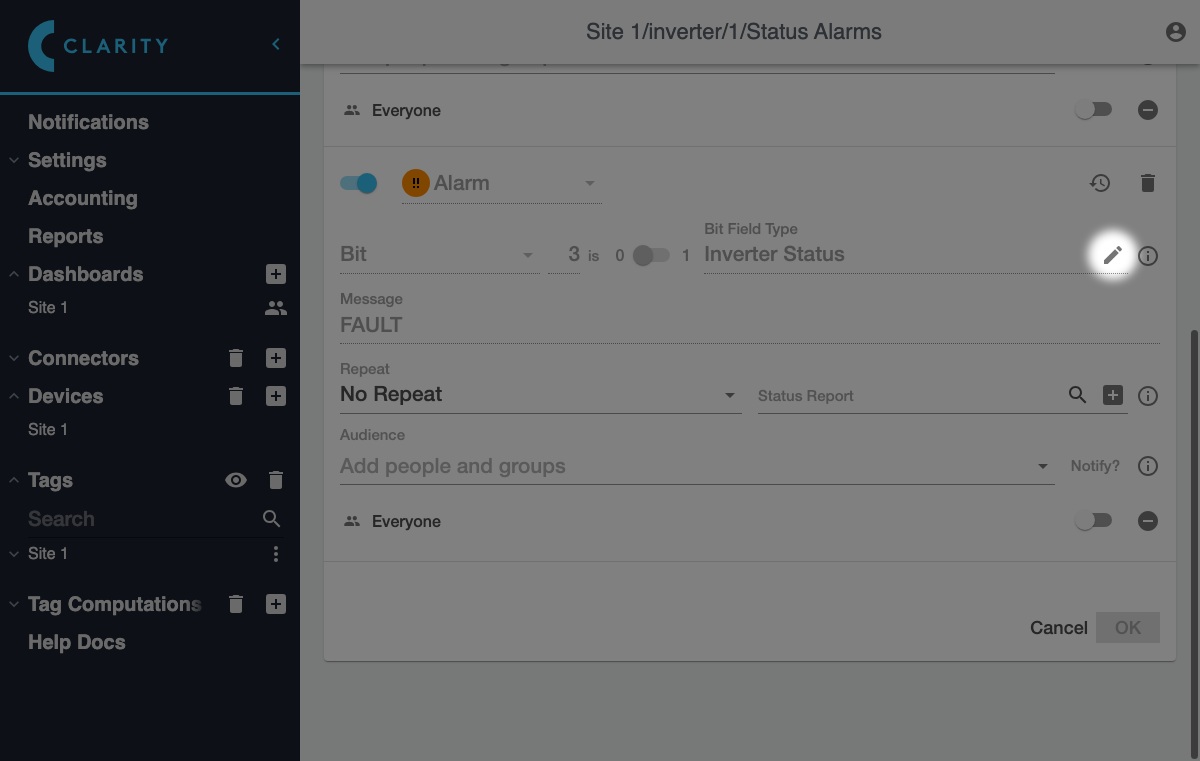
In the [**Alarms** view for a tag](/clarity/alarms/edit.md), find the bit field alarm and click the edit button in the **Bit Field Type** field:
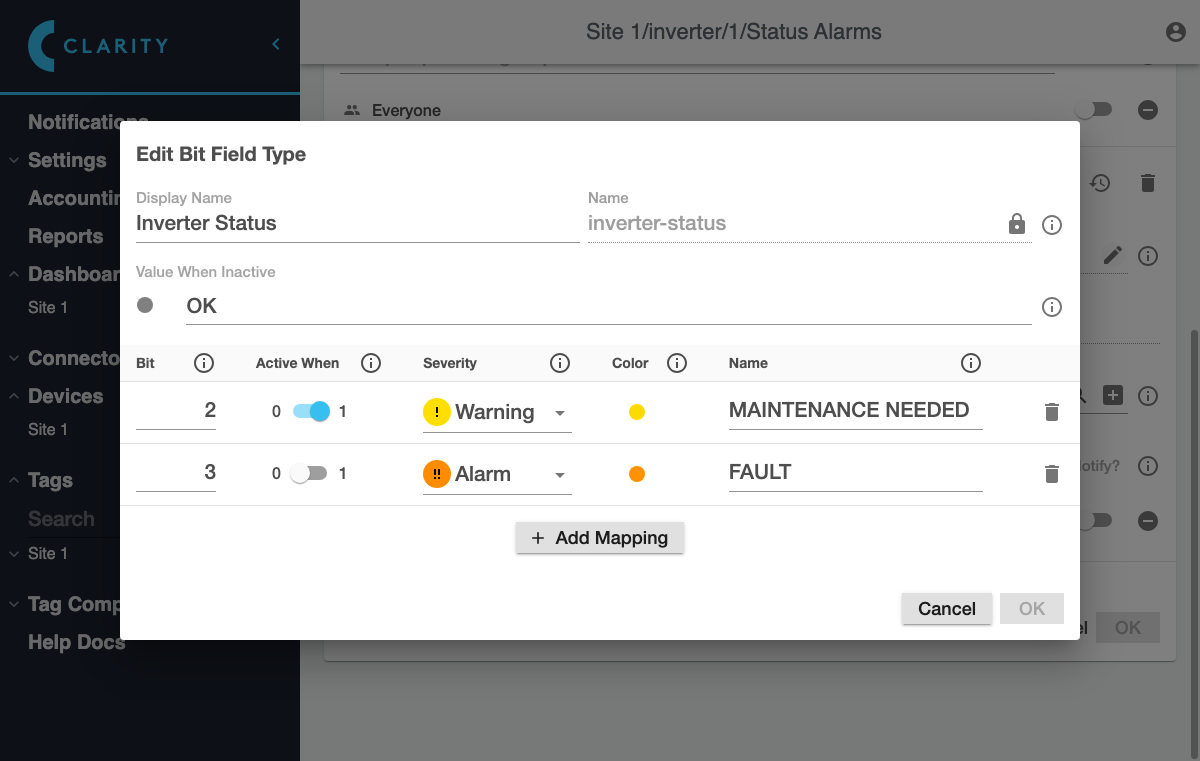
This will bring up the **Edit Bit Field Type** dialog where you can edit the settings:
{% hint style="warning" %}
When you save changes to the bit field type, the [alarms corresponding to that bit field type](/clarity/alarms/configure/conditions.md#bit-field-alarms) will be updated immediately. Those changes will be reflected in the **Alarms** view immediately, but you will still need to save any other pending alarm changes by clicking **OK**.
{% endhint %}