> For the complete documentation index, see [llms.txt](https://docs.jcore.io/clarity/llms.txt). Markdown versions of documentation pages are available by appending `.md` to page URLs; this page is available as [Markdown](https://docs.jcore.io/clarity/tags/edit-settings.md).
# Edit Tag Settings
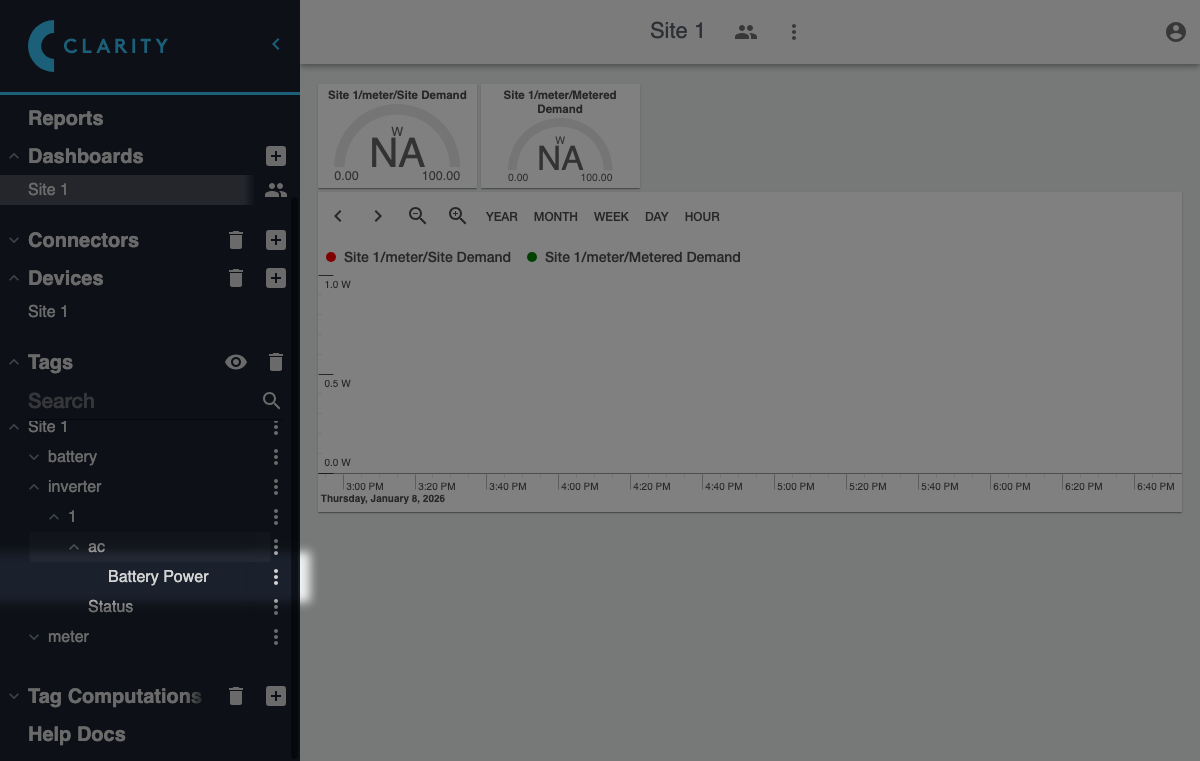
To edit the settings for tag, locate it in the **Tags** section of the sidebar. You may need to expand parent tags to reach it:
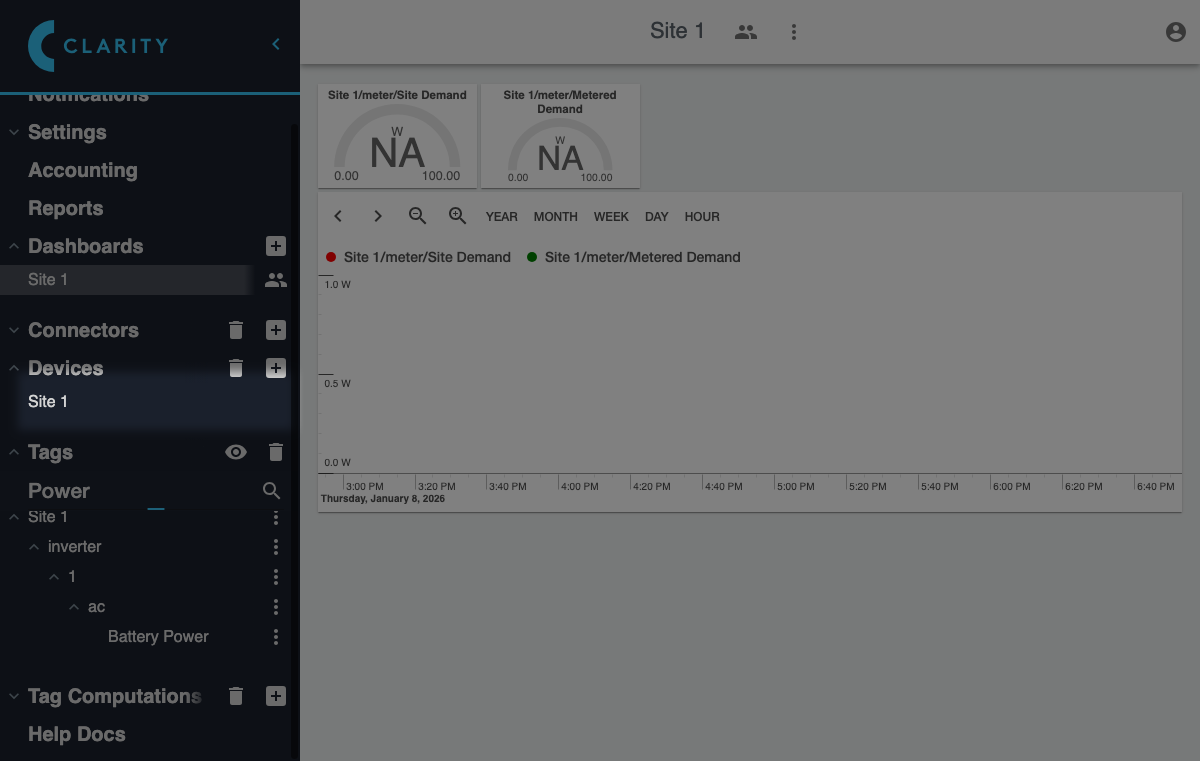
Alternatively, you can search for a tag by entering part of its name in the search field:
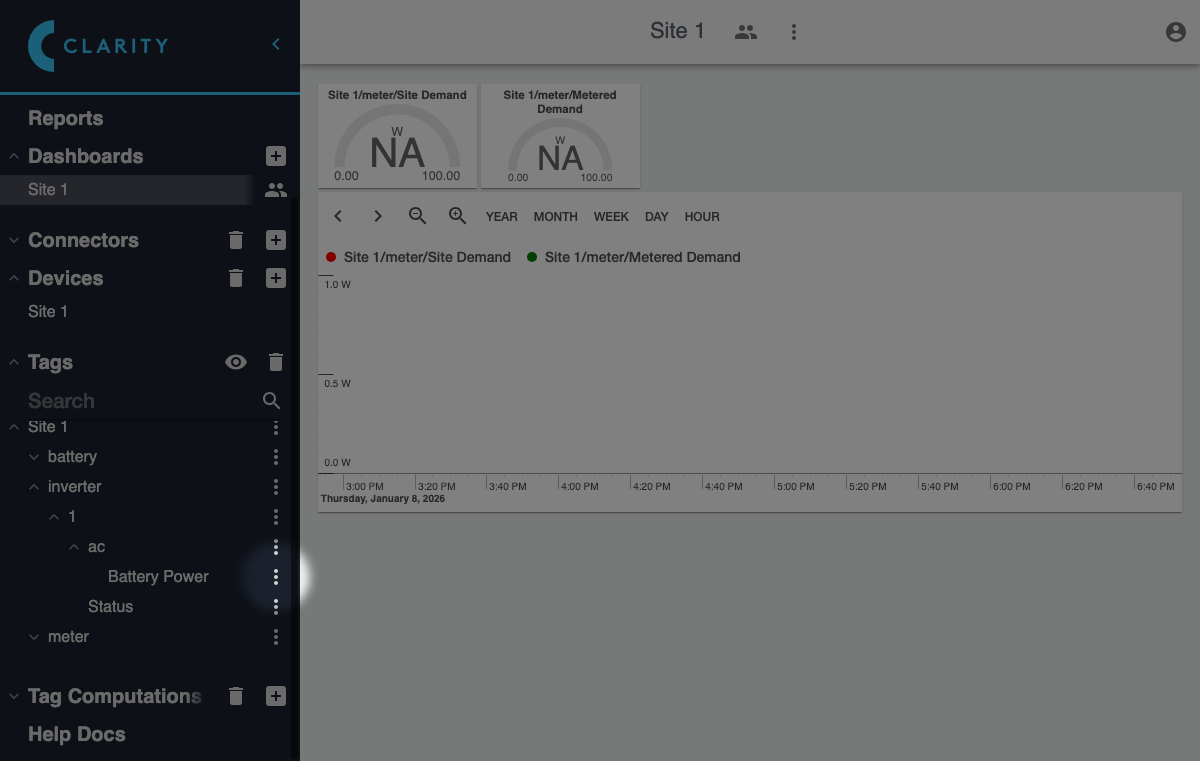
Once you have located the tag you want to edit, click it to bring up a context menu. If the tag has descendants, you will need to click the menu icon to the right of it, since clicking elsewhere on a group tag expands and collapses it:
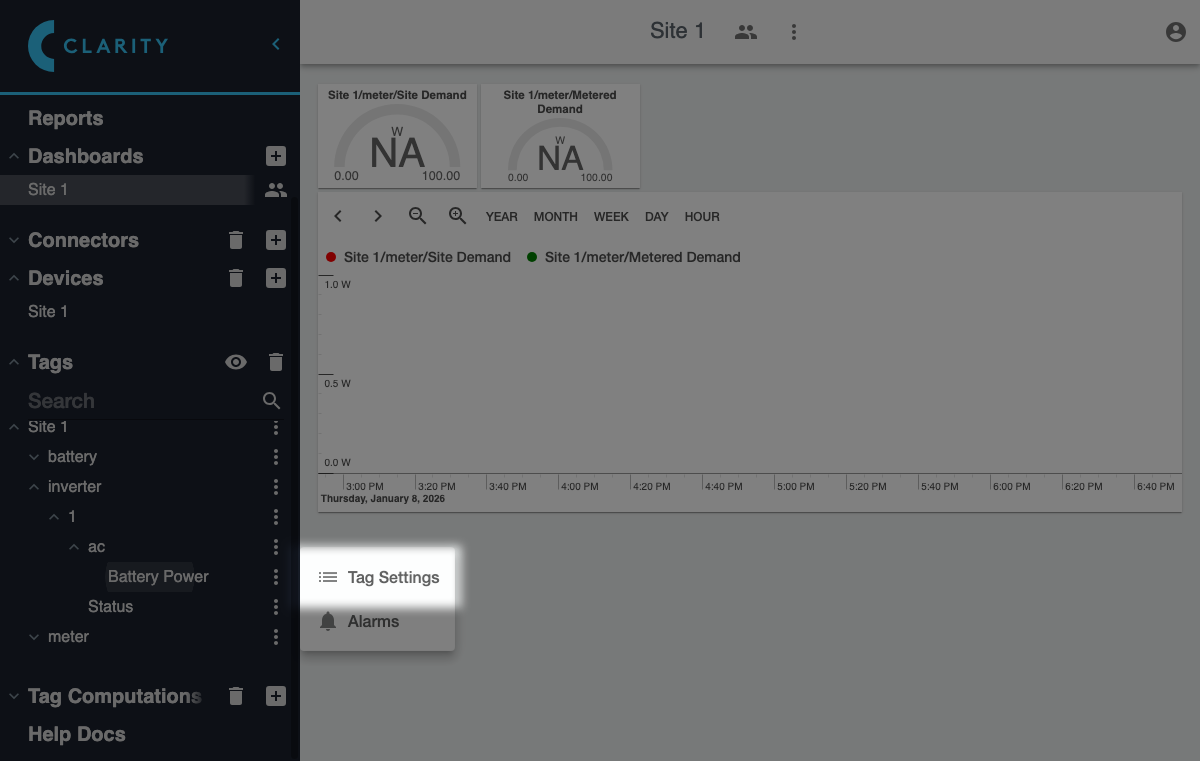
Then click the **Tag Settings** item in the context menu:
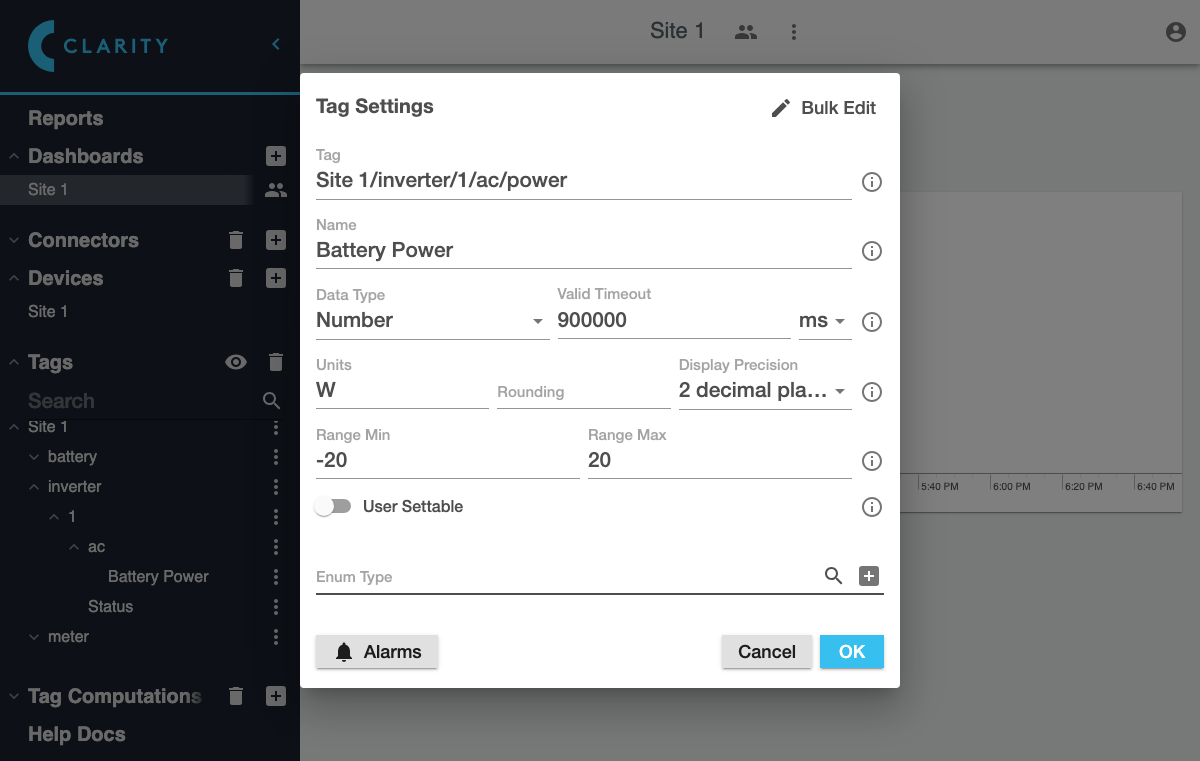
A dialog will appear showing the current settings for that tag:
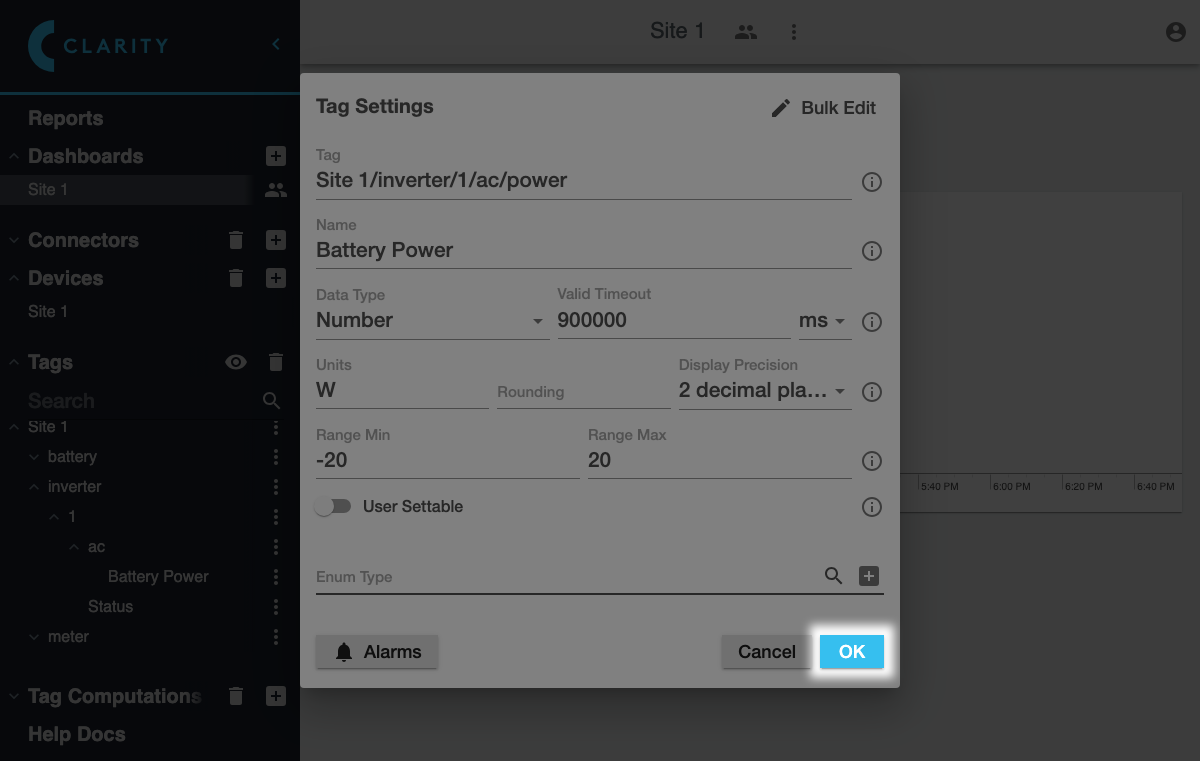
After you have made changes, click **OK** to save them: