> For the complete documentation index, see [llms.txt](https://docs.jcore.io/clarity/llms.txt). Markdown versions of documentation pages are available by appending `.md` to page URLs; this page is available as [Markdown](https://docs.jcore.io/clarity/alarms/configure/audience.md).
# Audience
{% hint style="warning" %}
**Note:** even if you have selected a user to receive notifications, whether they actually receive email or text notifications depends on how they have configured their [contact preferences](/clarity/contact-preferences.md).
{% endhint %}
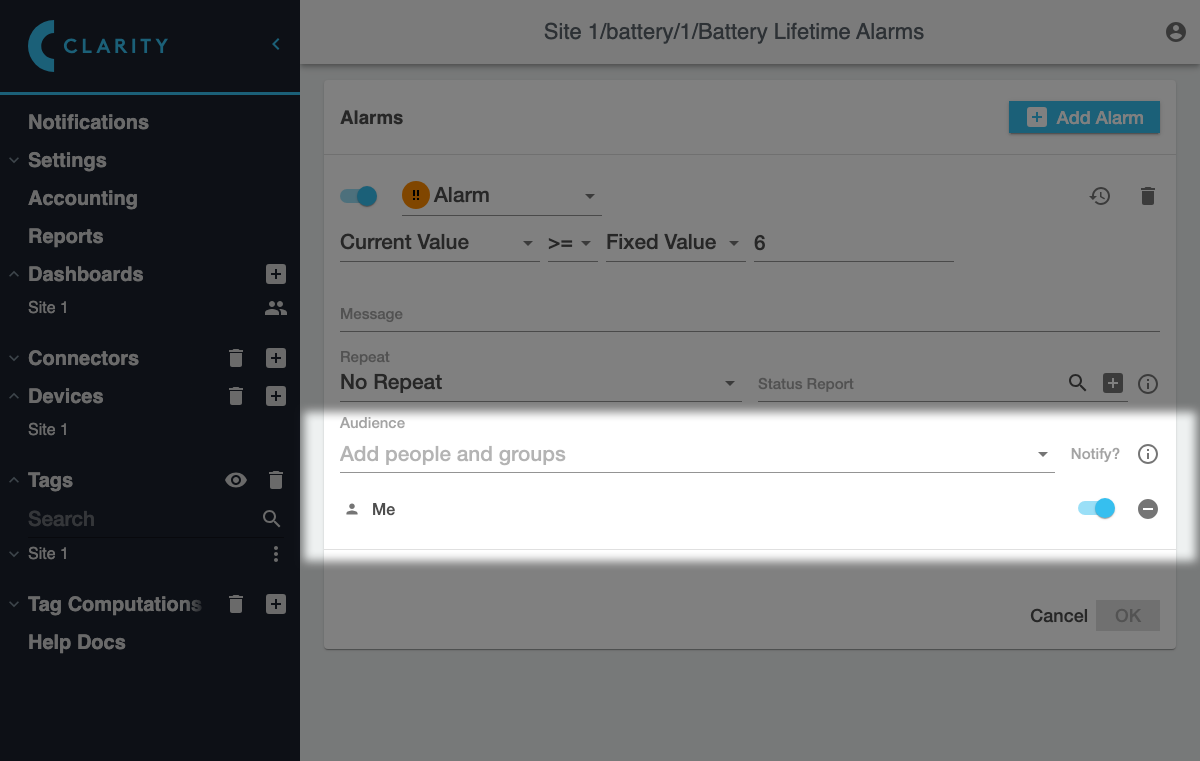
Only users and groups in the **Audience** list for an alarm will see it. If **Notify** is turned on for a user or group, they will receive notifications for alarm events; if Notify is turned off, they will only see the alarm state within Clarity.
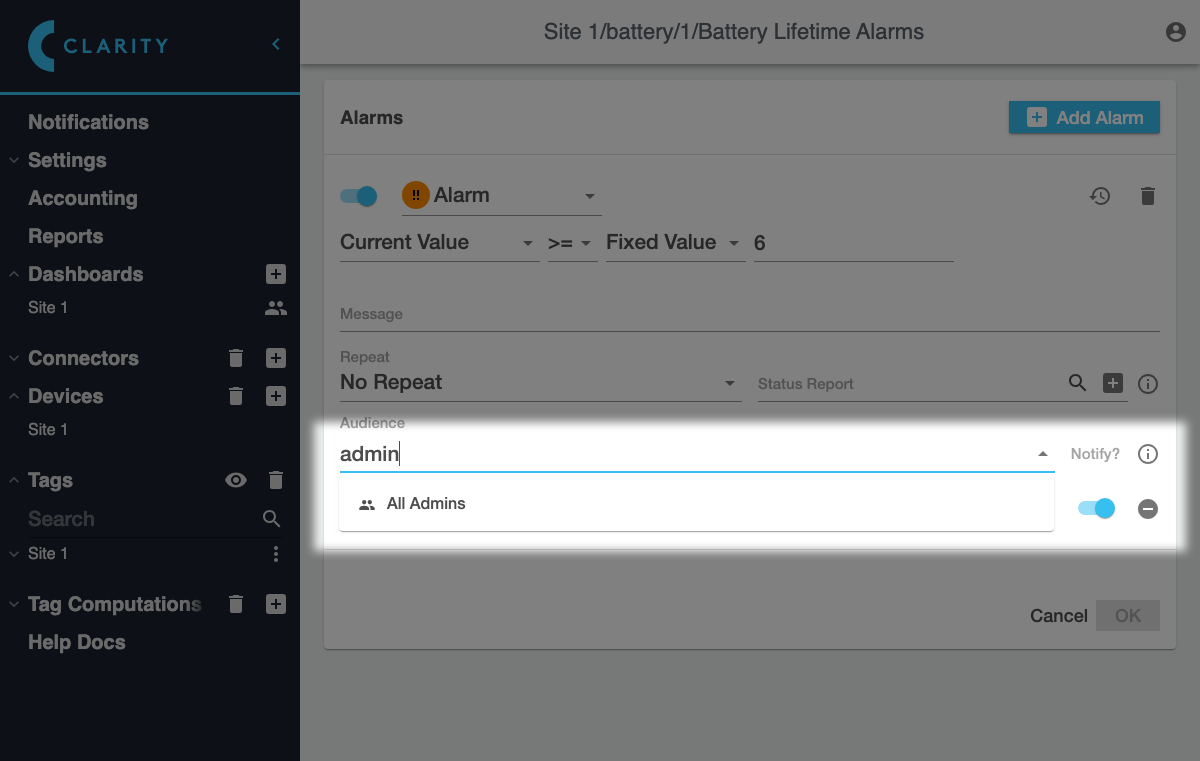
To add another user or group to the audience, search for them in the **Add people and groups** field:
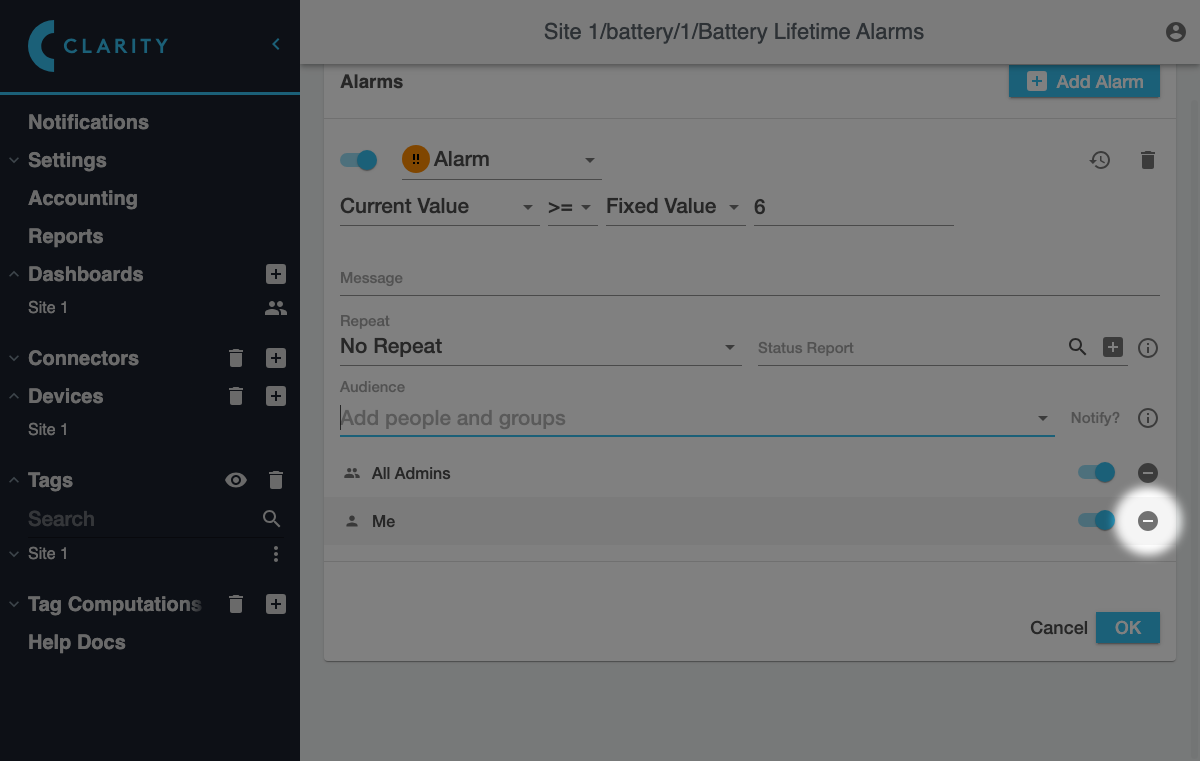
Then click on the user to add them. To remove a user or group, click the icon next to them:
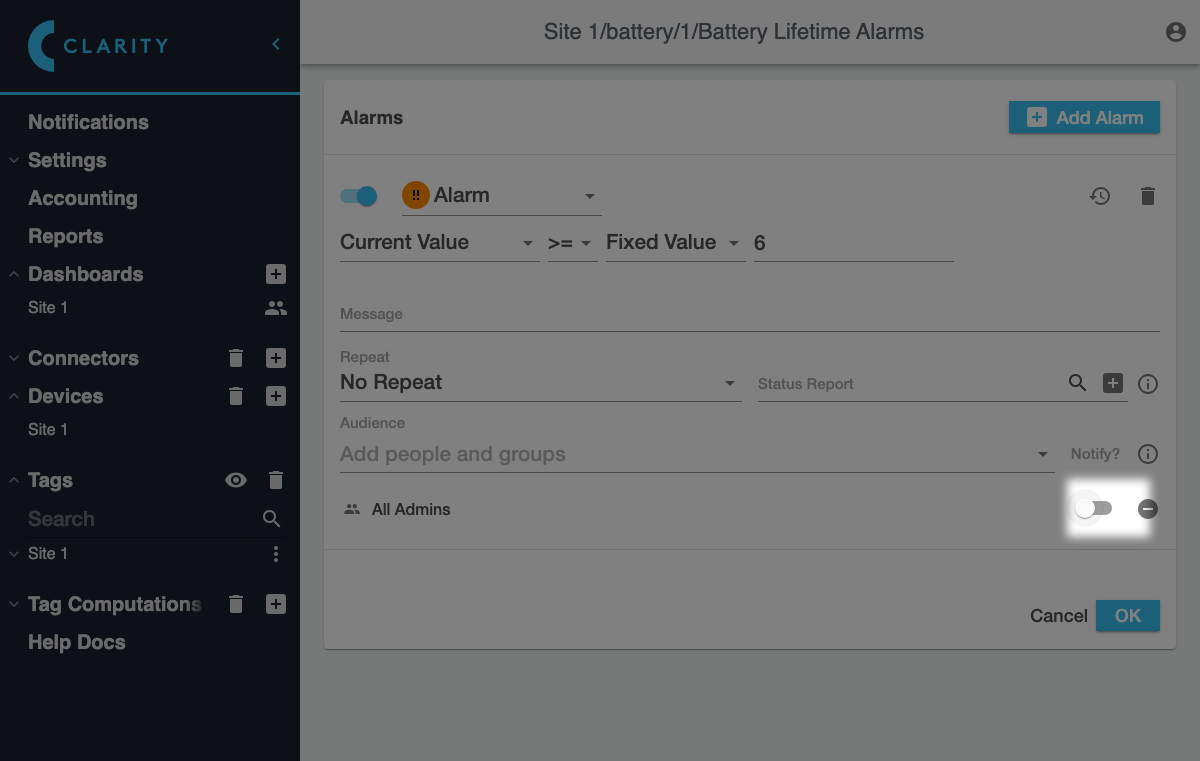
If you want to turn notifications on or off for a user or group, click the switch in the **Notify?** column:
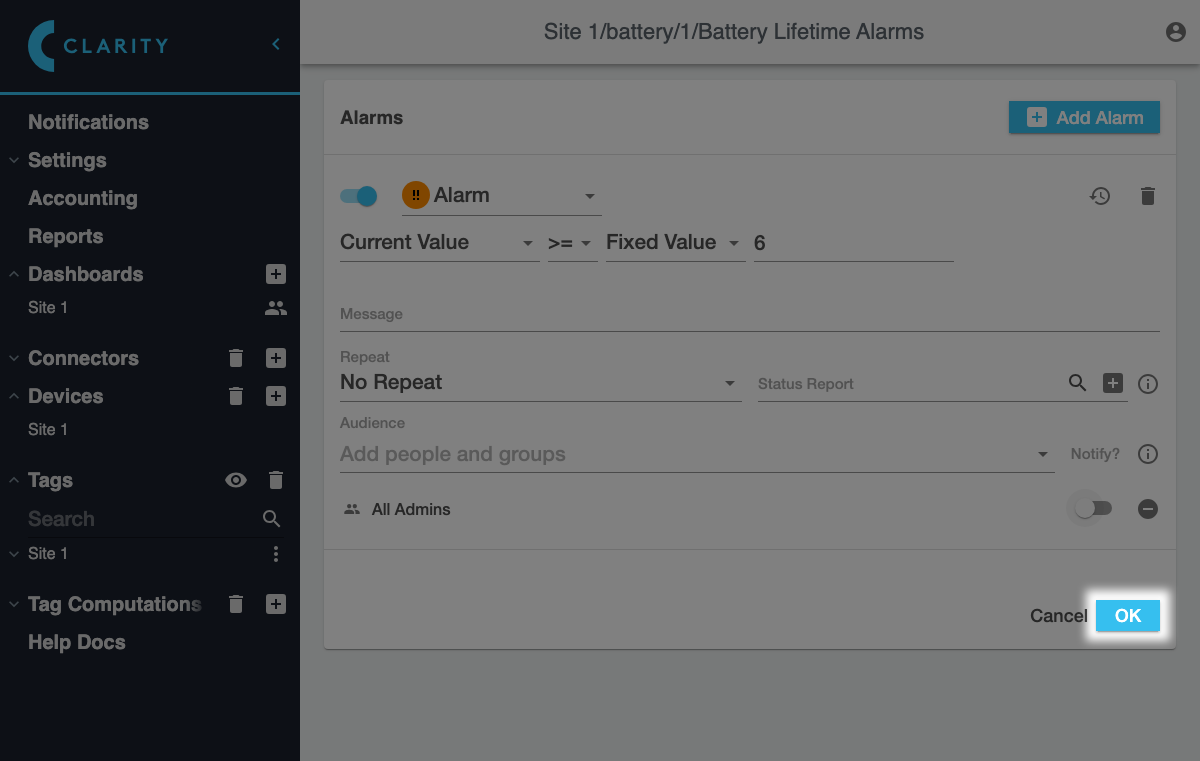
However, note that your changes won't be saved until you click **OK** in the alarms table: