> For the complete documentation index, see [llms.txt](https://docs.jcore.io/clarity/llms.txt). Markdown versions of documentation pages are available by appending `.md` to page URLs; this page is available as [Markdown](https://docs.jcore.io/clarity/alarms/configure/conditions.md).
# Conditions
## Current Value Compared to Fixed Value
In this example, an alarm will occur if the current value of the tag is >= 6:
## Current Value Compared to Value of Another Tag
In this example, an alarm will occur if the current value of the tag is >= the current value of the `Site 1/battery/1/Battery State of Charge` tag:
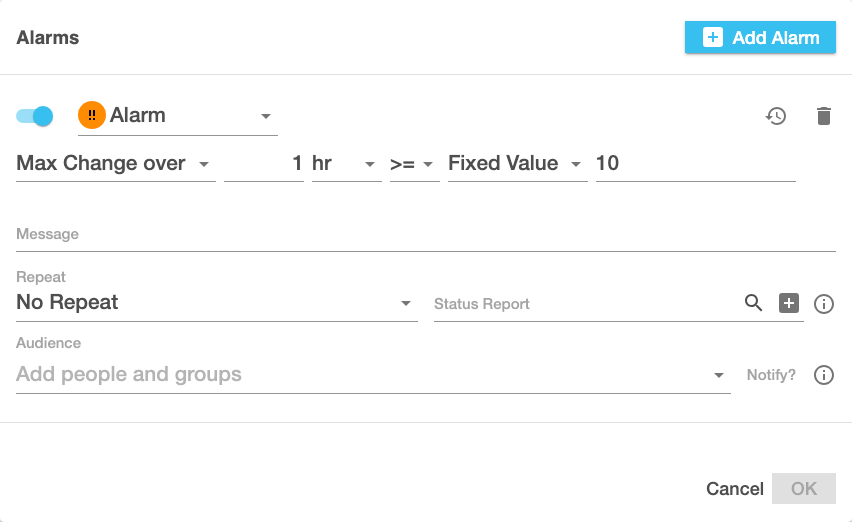
## Max Change Over a Time Interval Compared to Fixed Value
In this example, an alarm will occur if the absolute difference between the minimum and maximum value in the past hour is >= 10:
## Max Change Over a Time Interval Compare to Value of Another Tag
In this example, an alarm will occur if the absolute difference between the minimum and maximum value in the past hour is >= the value of the `Site 1/battery/1/Battery State of Charge` tag:
## Tag is Unavailable for Amount of Time
In this example, the alarm will occur if the tag is not available (NA, in other words has no value) for 30 minutes straight:
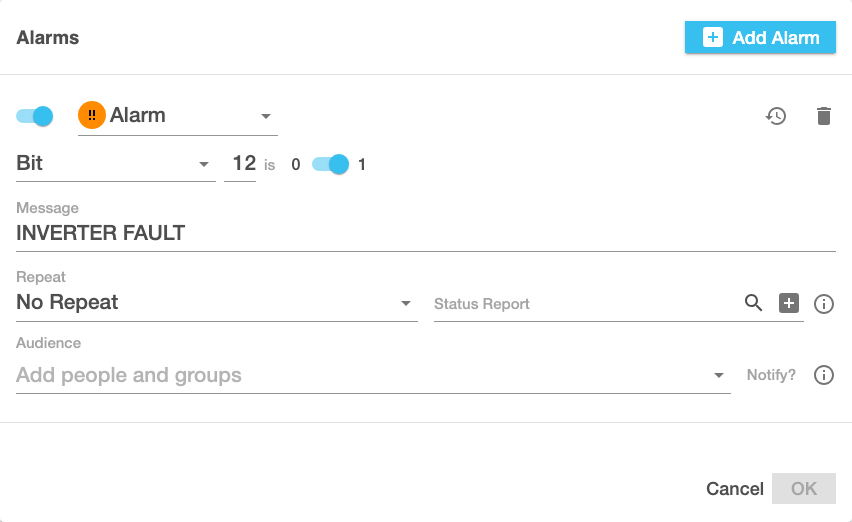
## Bit Value
In this example, the alarm will occur if bit 12 (`1 << 12` or `0x1000`) of the tag is `1`. Only bits 0-31 of 32-bit integer values are supported (non-integer number values are ignored):
## Bit Field Alarms
In this example, the alarm will occur if bit 12 (`1 << 12` or `0x1000`) of the tag is `1`, but unlike the above example, this alarm is provided by the `Inverter Status` **Bit Field Type** that is assigned to the tag in the [Tag Settings](/clarity/tags/edit-settings.md) form. In this case, the **Severity**, **Bit**, **Active When 0/1**, and **Message** can't be changed here; they can only be changed by editing the bit field type (which will also affect alarms for all other tags with that bit field type).
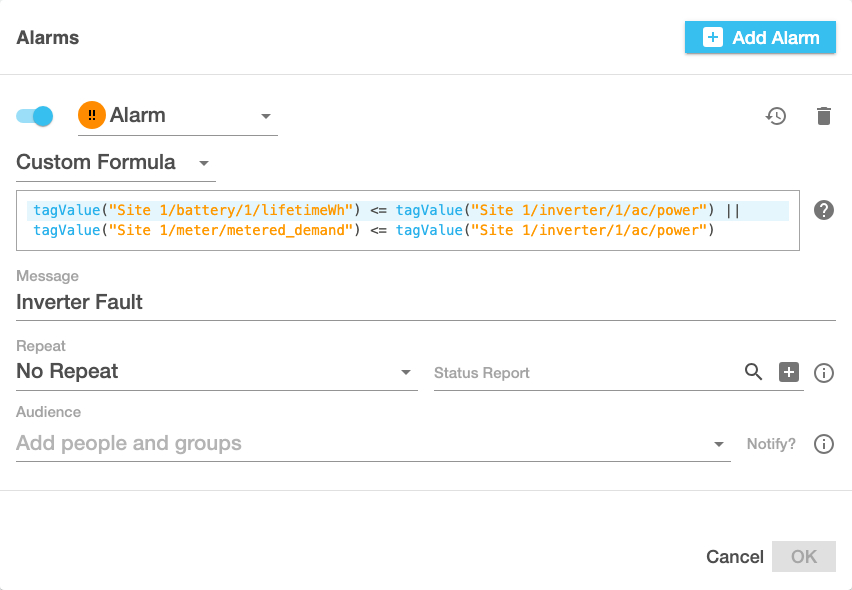
## Custom Formulae
In this mode you can enter arbitrary conditions. All of the above conditions can be expressed as a custom formula, and when you switch to **Custom Formula** mode it will show the formula corresponding to the condition you had selected (unless any options were blank). The formula must evaluate to `true`, `false`, or `null`; any time it becomes `true`, it triggers an alarm event. See [Formula Language](/clarity/formula-language.md) for a complete guide to writing formulae.